Interface
Calculator UI
The graphical user interface that comes along with the CalcPlusPlus engine was purposefully designed to be as minimalistic and simple as possible.
As can be seen, when the UI is first booted up, it is a blank screen with a cursor blinking.
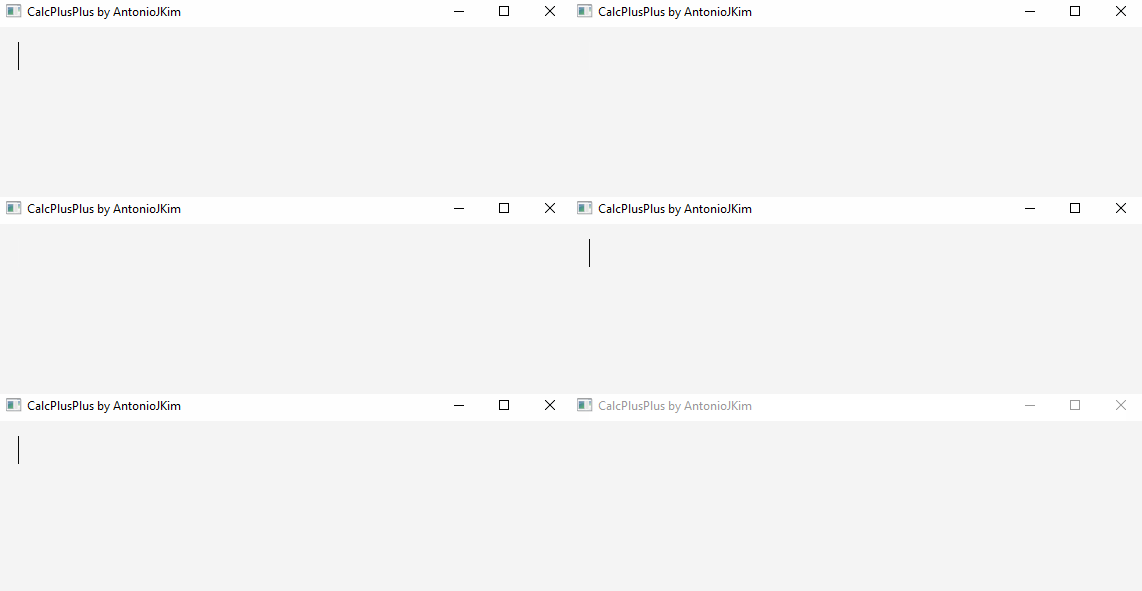
The design philosophy behind the UI is that of a simple document editor. You should be able to type multiple equations and have them be live evaluated.
Demo

Custom Keyboard Shortcuts
Ctrl + Enter to create a new equation editor
Backspace / Delete on a blank line to delete it
Ctrl + W to close the application
Ctrl + H to open the docs
Note
On Mac OS X, the above Keyboard shortcuts use the Command modifier key instead of Ctrl